Offering its clients sites and platforms that meet the needs of their audience and increase their business is always facilitated by the WordPress CMS. Indeed WordPress being open source, this is the easiest solution to set up, the most widespread on the web, with the most active community. You will always find an extension that meets at least 80% of the need expressed by your client without resorting to additional development. Moreover, thanks to Automattic, the international WordPress community and all the contributors, it is constantly up-to-date and interoperable with all the major actors of the web.
But can a designer keep his/her share of creativity in such a busy environment?
Many think that Gutenberg is a constraint for us, designers, that we can't do everything, that we are blocked, and we therefore fear a WordPress project with a sense of frustration. But in reality, it's completely wrong.
First, because there is no creativity without constraint and design is essential when talking about site design or interface. No customer can, if he wants a successful site, do without design.
Then, because with Gutenberg, when you know your blocks perfectly and how to play with them, when you refer to additional, powerful block packs, when you assimilate the solid extensions offered by the community, there are no longer many limits to make a site just, unique, beautiful and useful. That's kind of digital happiness...
1. First, think useful!
For the user, a good site is neither its technicality nor its look and feel. It's her. usefulness.
Will the site be read by the audience? What would he really like to see, or even come back to, the site? How to increase the rate of commitment and acquisition? Is the shopping route fluid? Is the proposed experiment expected by the hearing?...
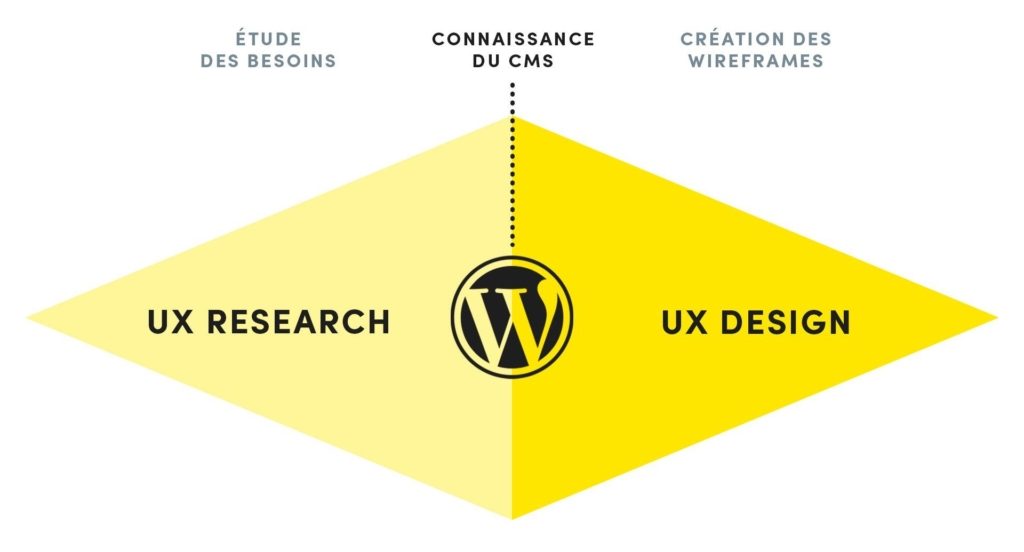
All these issues need to be studied upstream and the work of the UX Designer is indispensable. Some design steps are essential before even opening the Sketch or Figma software:
- Client needs collection workshops
- Analysis of existing
- Interview and user survey
- Mapping workshops and content sorting
- Keywords mapping, tree and mapping
It is once all this data is collected, studied and shared with the project team, that the necessary knowledge of CMS, its possibilities and its constraints comes into play and that The designer has to be a WordPress expert for designing the best possible solution for the customer.
Follow just after the same for the Artistic Directorate
2. Treat storytelling from pages
Gutenberg changed the way sites were designed. It is an ultra-flexible content builder that allows a lot of solutions but thanks to the completeness of its capabilities and its flexibility must be well thought out upstream. Mastered, its features drastically open the field of possibilities as to the ergonomics of the site and greatly facilitate the contribution.
Some basic but practical tips for making your wireframes:
First find layout solutions through native blocks.
When you make your wireframes think of using the available columns. That is, all your blocks must be thought and prepared in normal format, full width, 50/50, 30/70 etc... So you can easily pace your content layers throughout the page.
Invent useful patterns for your client's needs.
Following the different workshops with your client to understand their needs and content, also take advantage of block groups to design unique layer templates. By composing these models directly into wireframes you can create your pages faster. In addition, when the site is contributed, your client will be able to choose them in his back office and compose his pages without the anguish of breaking ergonomics, charter and layout.
Put your desk away!
Philippe Etchebest said that we could not cook a large dish on a dirty and disorderly worktop. The same applies to you designers! ****Think of your working paper as an atom. ****Whether you're working on Sketch, Figma, XD or others, simplify the task by creating your components upstream of the project. The more your document is thought of as an atom, the easier it will be to compose your blocks, block groups, page templates...
3. Design efficient, fair and achievable with Gutenberg.
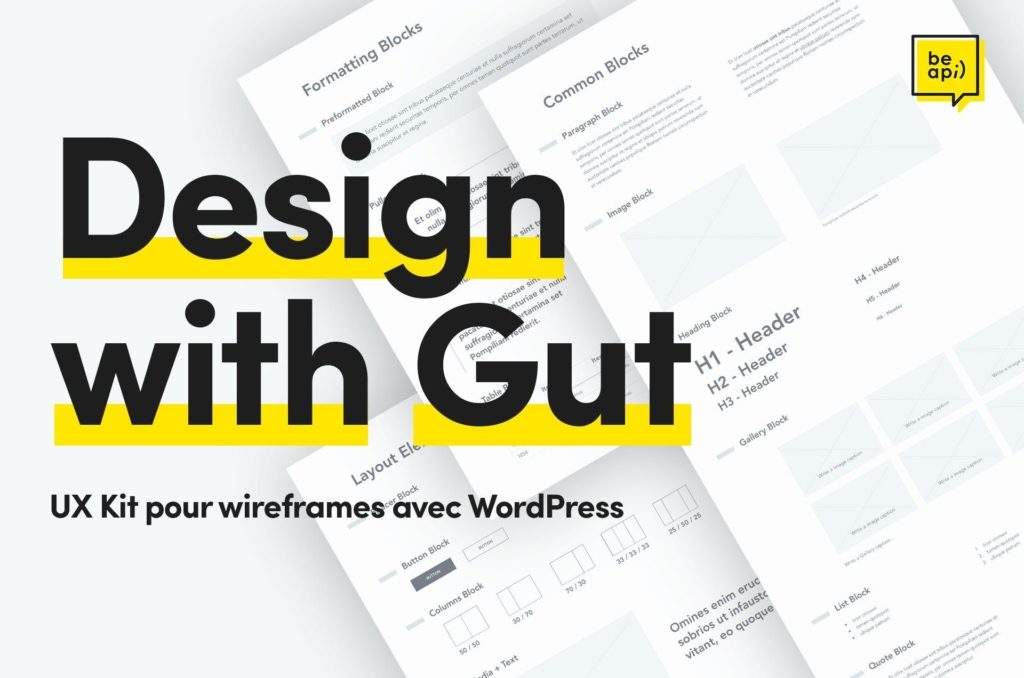
At Be API, designing WordPress sites with Gutenberg is our daily life. So we designed "Design with Gut".
A design system that includes all native Gutenberg blocks (common, formatting, layout element...) but also the most used extensions and packs of blocks in our agency repository (FaceWP, The Event Calendar, Getwid...) to allow us to create our wirelesss easily and quickly. This facilitates our work processes at many levels:
- A faster wireless design
- A storytelling of more neat pages
- A certain technical feasibility
- UX passage>UI more fluid
- Clearer vision of the finished product for the customer.
"Design with Gut" is in the design phase and we are much on it. Like all Design Systems, it is not complete and we update it project after project to make it as efficient as possible.
Our will is that once optimized, we would make it public so that each of you could serve it and create superb experiences with WordPress.
Contact us If you're interested, we'll be happy to talk to you.