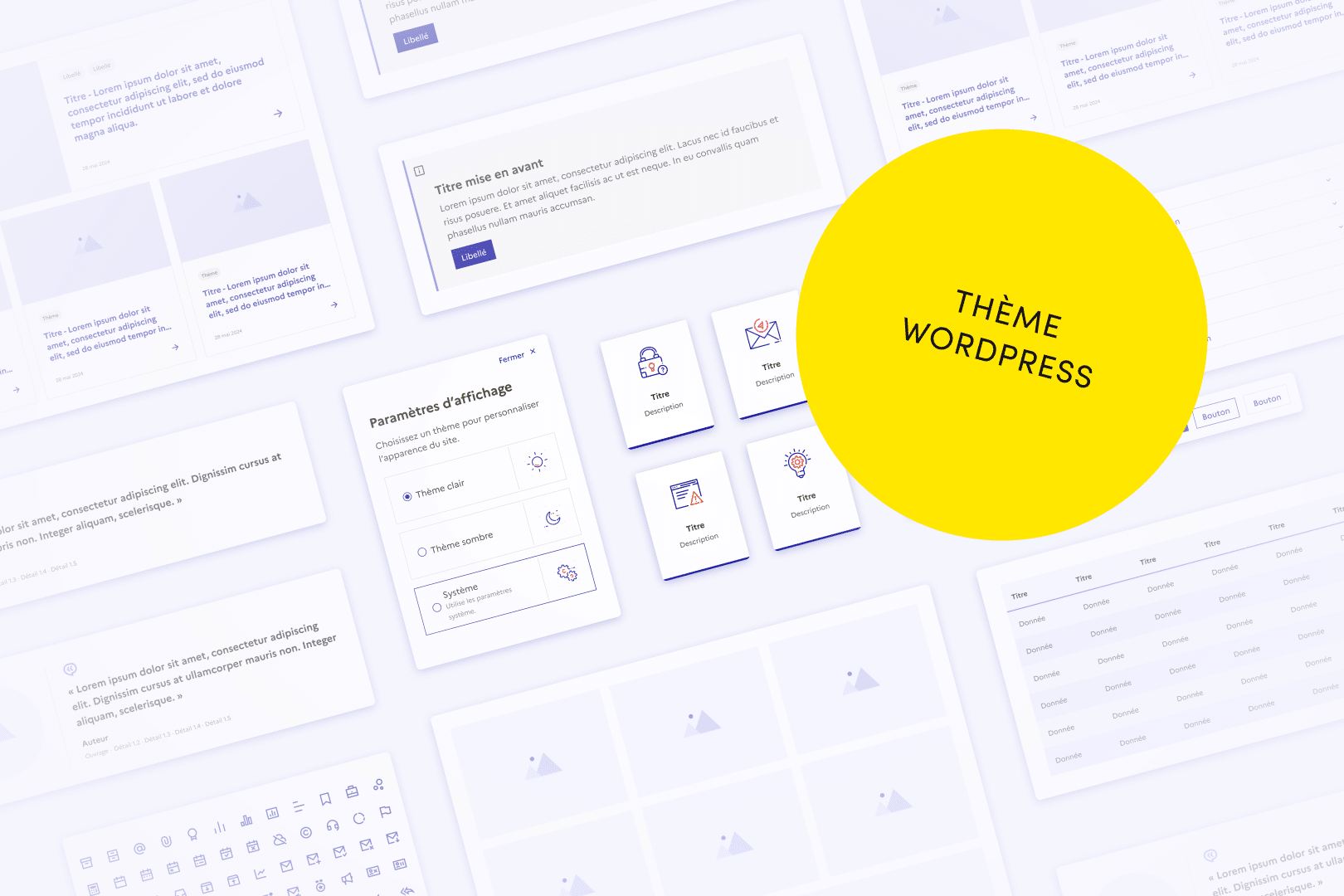
The WP-DFSR is a WordPress theme open source, thought to simplify the creation of institutional sites in line with State System Design (DSFR) and accessibility standards RGAA. It offers a turnkey solution, directly usable, flexible and scalable. And since it is open source, it constantly evolves thanks to the contributions of the community. In this article we will see how to install, use and contribute to WP-DFSR for your institutional projects.
I. Installation and configuration of the DSFR
Installing the WP-DFSR is a simple and fast process. Here are the steps to start with this theme on your WordPress site, and be operational in minutes.
⚠️ But before, a small warning: The State System Design (DSFR) is reserved for websites of French public services. Its use must comply with the rules laid down by the DSFR team and requires formal validation. Before adopting the WP-DFSR, make sure your project is eligible.
Installation steps
- Download the last archive since deposit Official GitHub of WP-DFSR. This contains the theme
wp-dsfr-themeand the Gutenberg block pluginwp-dsfr-blocks - Import
wp-dsfr-themein the folderthemesyour WordPress installation and folderwp-dsfr-blocksin the folderpluginsand activate them via the back office of your WordPress site. - Set the initial settings (transverse elements via customizer, menus, predefined templates)
📥 Ready to install WP-DFSR? Download it and start in a few minutes.
Resources for developers
For developers wishing to go further in customizing the WP-DFSR, all detailed information is available in the official project documentation.
Check out the project wiki on GitHub
II. Why choose WordPress for an institutional project?
1. A robust, open source and secure CMS
WordPress is the world's most used CMS, especially appreciated for its flexibility, strength and accessibility. Its highly customizable platform allows developers to meet the specific needs of projects while providing a simple interface for non-technical users.
Its strong ecosystem and large community ensure regular security and performance updates. As an open source solution, WordPress allows institutions to keep their hands on their projects, without depending on a proprietary solution.
It is also a platform that adapts to the needs of users. With Gutenberg, content management is more intuitive, offering more autonomy to editorial teams. The result: optimized workflows, faster updates and easier production. A real asset for government and institutional sites.
2. A theme designed for simplified compliance
WP-DFSR has been developed to facilitate compliance with the State System Design (DSFR) and RGAA accessibility standards, which have been mandatory for public sites since 2025. Originally designed to respond to a client project, it quickly evolved into a mutualized solution.
(Re)Discover the history of the project.
No need to worry about compliance: each element is already optimized according to current standards. You can focus on content and features.
Developed by Be API experts, this theme offers:
Immediate compliance : Once installed, your site automatically complies with the DSFR and RGAA rules. Each item is optimized according to current standards, allowing you to focus on content and functionality.
22 ready-to-use blocks : native blocks, compositions and custom blocks compatible with Gutenberg for simplified content management.
Structured Templates : pre-designed page templates ensuring visual and functional coherence, while accelerating development.
An open source and collaborative project : WP-DFSR evolves thanks to community contributions. You can participate by proposing improvements or developing your own blocks and extensions on GitHub
3. WP-DFSR is for you if...
You are responsible for a public or institutional project and need a quick turnkey solution to ensure RGAA and DSFR compliance without starting from scratch.
You work for the state or a public authority and look for an effective way to create a WordPress site in official standards, without wasting time on complex technical aspects.
You are a developer or integrator in a public institution and wish to customize a site while ensuring its compliance. With the WP-DFSR, integration with Gutenberg and its modular structure makes adding specific blocks and features easier and more secure.
III. Main features: a theme designed for institutional sites
Native blocks conforming to DSFR
The WP-DFSR integrates ready-to-use blocks essential to easily structure your site while respecting the standards of the State System Design.
- Page Hero : Three variants available for impacting introductions on your key pages.
- Grant and FAQ : Ideal for organizing dense content while ensuring smooth navigation.
- Tiles and highlights : To visually structure essential information.
- Media blocks : Integrate images, videos or downloadable documents with optimized DSFR design.
- Tabs and buttons To prioritize information and highlight key elements.
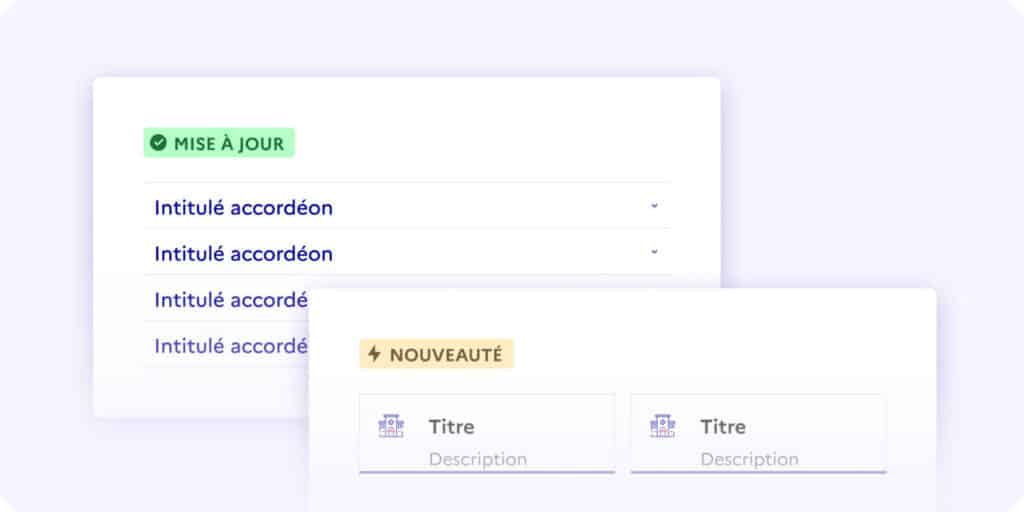
Predefined navigation and templates
Customizable Menus Configure your browsing in just a few clicks to adapt to your site's needs.
Ready-to-use templates : Pre-designed models facilitate production and ensure graphic and functional consistency.
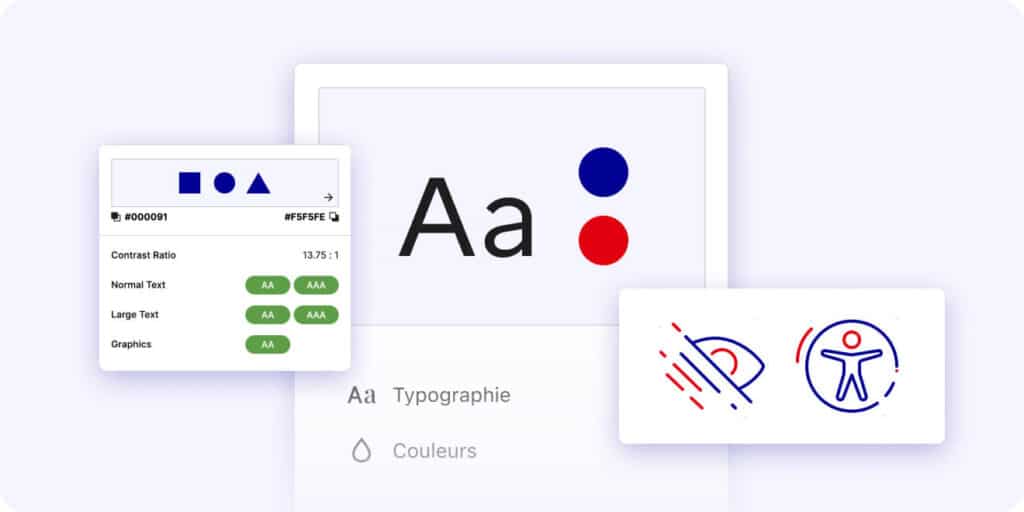
Accessibility Each component of WP-DFSR has been designed to meet RGAA 4 standards, ensuring a smooth and user-friendly experience.
IV. Contribute to WP-DFSR: an inclusive project
The WP-DFSR is a project led by Be API, but to become an even stronger reference in the public ecosystem, we need contributions directly from government agencies and communities. Your expertise and involvement can make a difference in shaping a tool that better meets the expectations of the institutions. Want to improve or add new features? Here's how you can participate!
How can we contribute technically?
Project management is carried out on GitHub, where you can propose improvements or report problems. :
- Fork the GitHub repository : See you on the Official deposit of WP-DFSR, and fork the project to work on your own version.
- Create a dedicated branch : Work on a specific branch for each contribution (e.g. feature/new-block or fix/accessibility).
- Make your changes Add improvements, whether they be new blocks, CSS adjustments or documentation.
- Submit a request sweater (PR) : Once your changes are complete, create a PR to the main branch of the repository. Clearly describe your contribution and its impact in the PR comment.
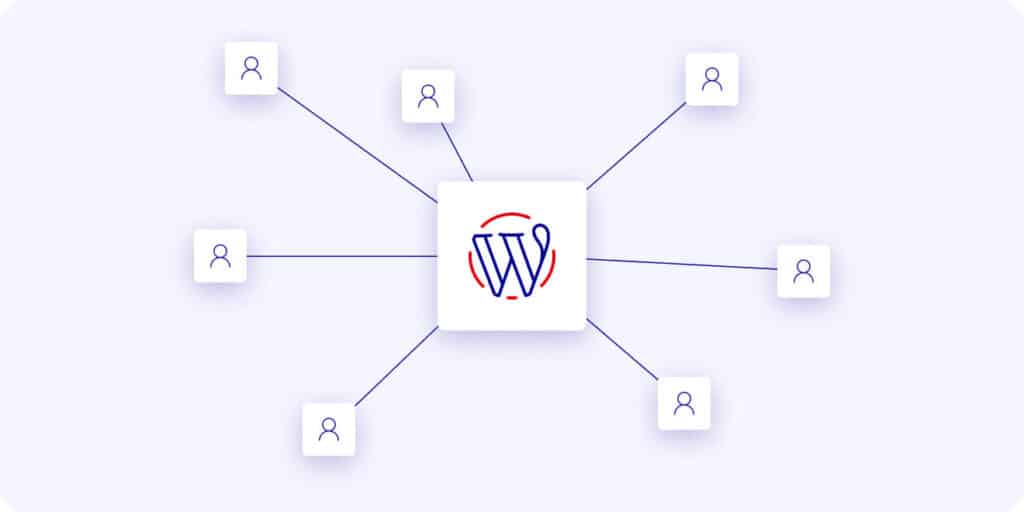
👉 If you work in a public institution, your contribution is essential. By participating in the development of the WP-DFSR, you will allow the project to evolve in line with the real needs of administrations and promote its adoption in the official bodies.
Process for validating contributions
Each contribution is reviewed by the Be API team before being integrated into the project.
- Verification of compliance with the Design System and RGAA standards.
- Review of the code to ensure its quality and harmonious integration.
- Tests to ensure that the modification works correctly.
Conclusion
WP-DFSR is not just a technical tool: it is a solution designed to simplify the creation of compliant institutional sites, while focusing on collaboration and innovation.
With its ready-to-use features and open source approach, it allows rapid deployment of DSFR and RGAA-compliant sites, while allowing the freedom to customize and improve the tool as needed. By adopting, you access a turnkey solution for your public web projects.
And if you want to go further, you can also contribute to its evolution!
- Download WP-DFSR today and discover its features.
- Contribute to its evolution By sharing your ideas.
- Stay informed of project developments Sign up for our newsletter or follow us on our social media to keep up with the latest updates and news.